
(Response to prompt #1: Describe the SD#5 Design Lab. How does it fit in with ‘Innovation in Education’? What stood out to you? Which activities did you choose to do? How do you envision using this space with a class? What sort of project would you choose to do?)
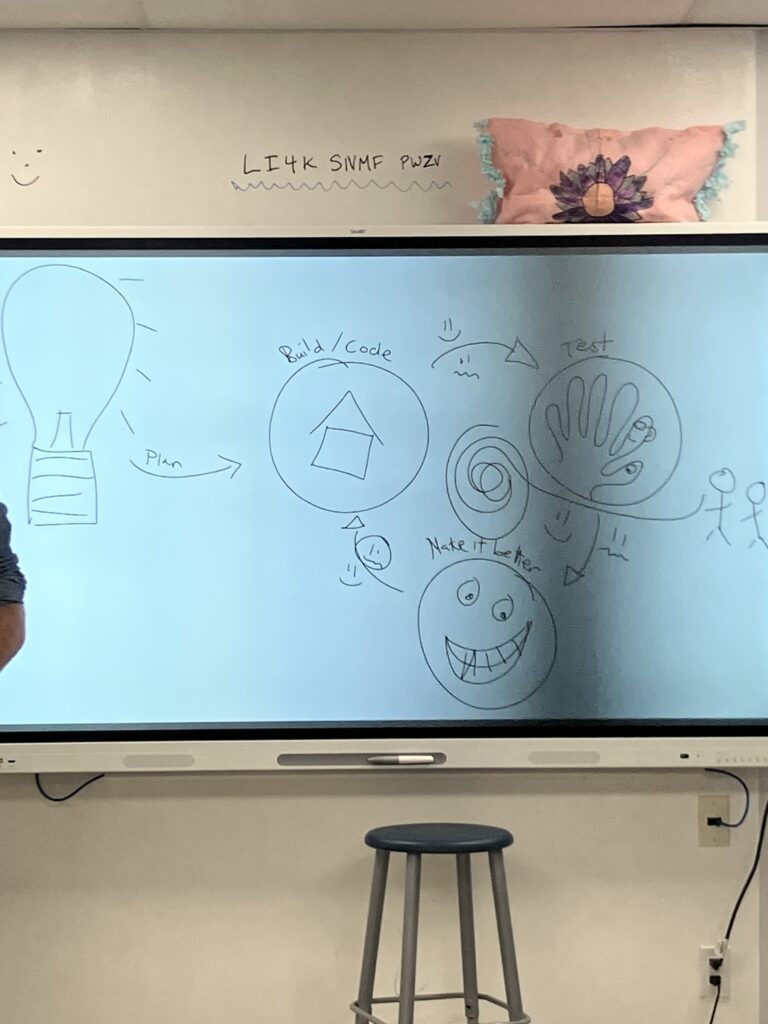
Wow, my experience visiting the SD#5 design lab this week was so fun! I went into it as I usually do with technology (feeling a bit uncertain and not too optimistic), but I left with a changed outlook on technology- which is a recurring theme through tech class this semester. The stock photo above is pretty close to what I imagined when I heard we were visiting a technology-focused “design lab”, but now it’s another funny example of my misconceptions about technology. The design lab wasn’t a room full of computers glowing with eerie blue light, it was a welcoming and engaging learning space that I imagine most students would like to be in. There were all kinds of physical toys and tools for student exploration, and some of the set up tech stations did not involve screens at all. This to me is exactly what innovation in education should mean: teaching students about experimentation, scientific thinking, problem solving, all while encouraging them play and be creative. I found the lab really exciting, and I will go in depth on each of the stations I visited next. Below is a picture I snapped of our host’s smart board while explaining the design process, and it really represents what I want to teach students about technology in all of the following stations.
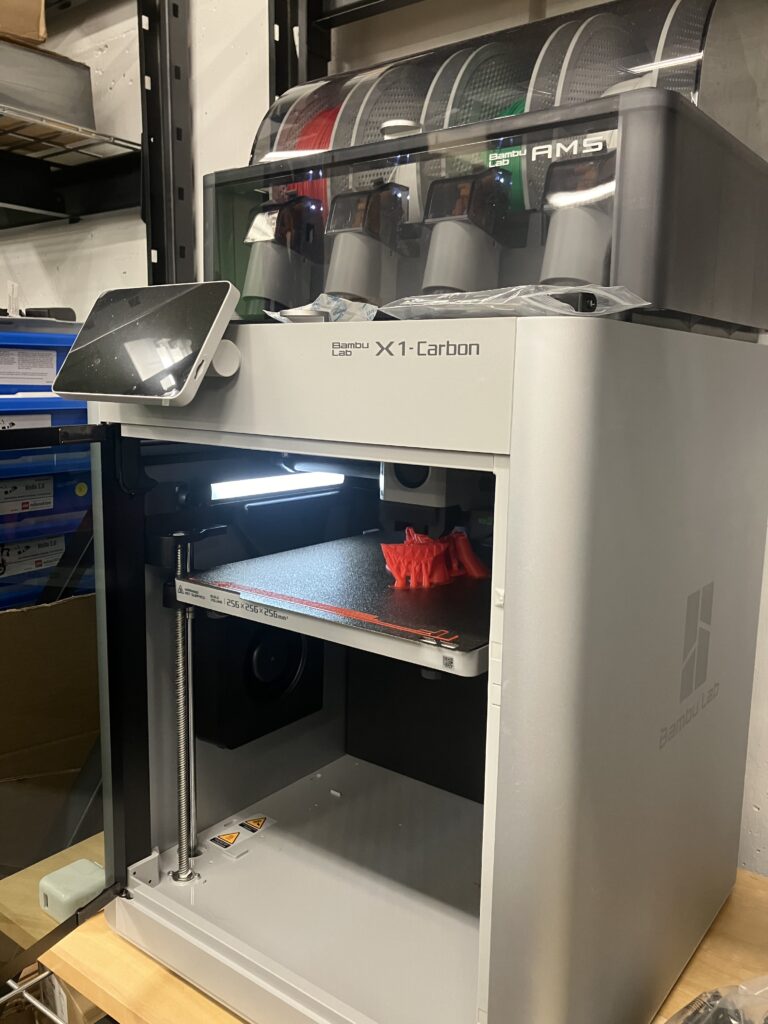
First, I visited the Bambu Labs 3D multicolour printers in the back of the room. While I was not able to use these printers today, our host let us know that students often operate these machines and use them to create toys or holiday ornaments to take home. I love that this technology is included in the lab to be used by all students, students who can’t afford memberships to maker spaces would likely never get to 3D print something to take home. I like how this is being put in everyone’s hands to learn about.
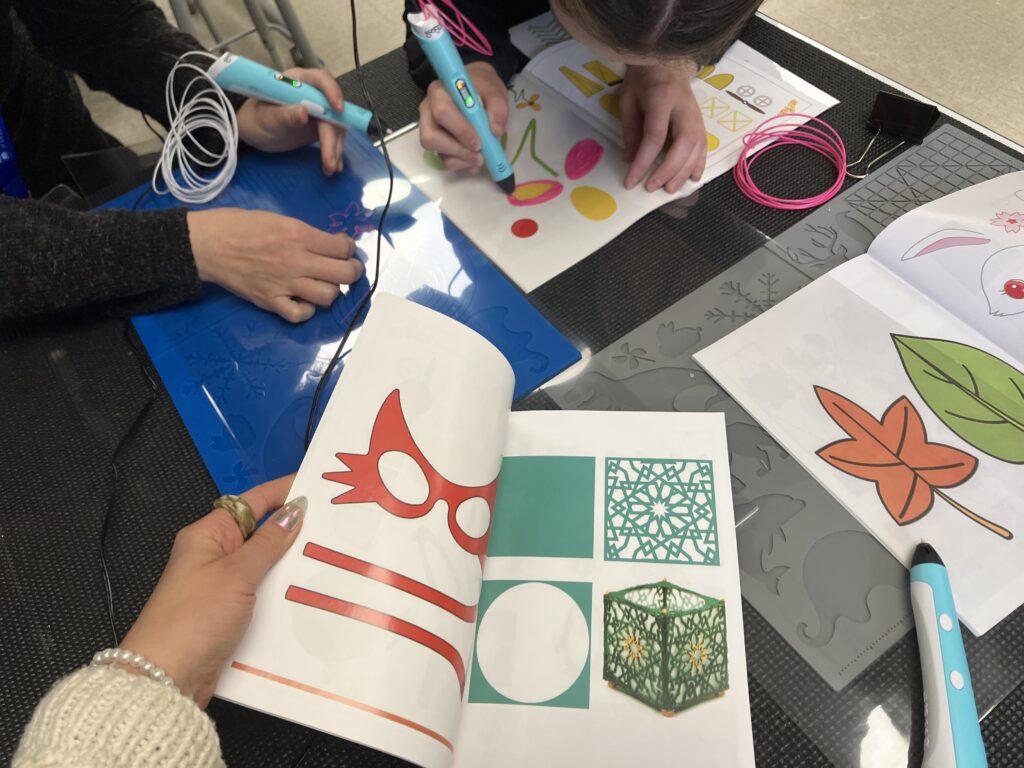
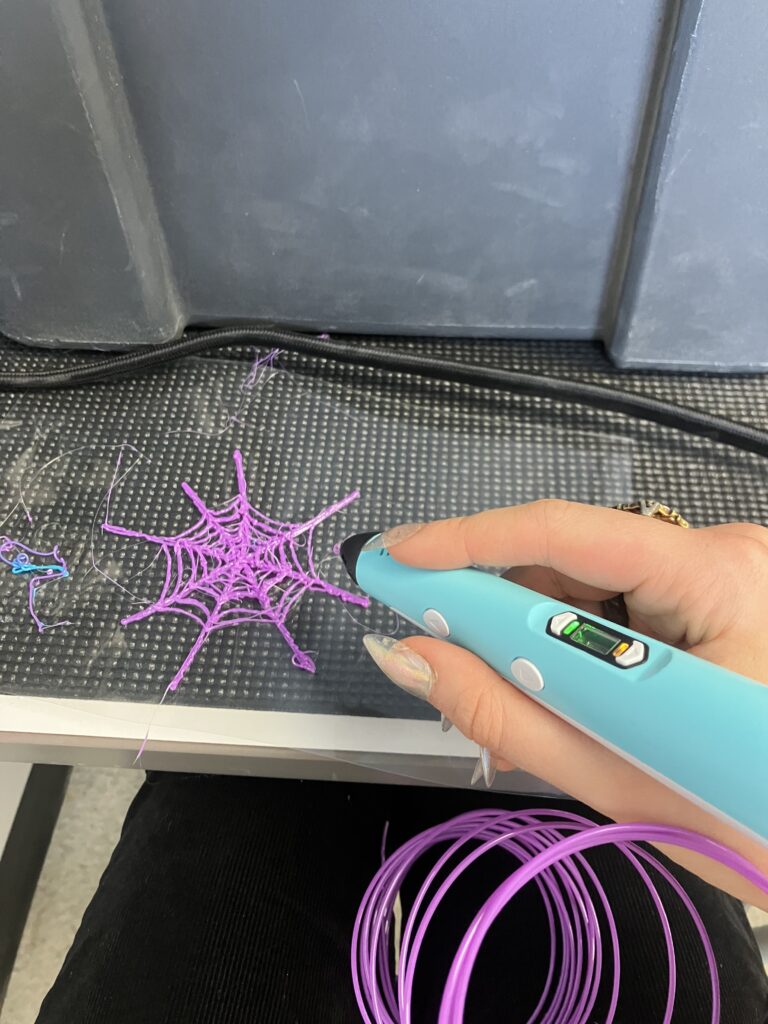
I went to the 3D printing pen station second, because I love making visual art. I had never used one of these neat gadgets, but I found them quite easy to operate and really enjoyable. I think this would be a perfect art class activity for any age, because it is a unique combination of “drawing” and sculpture, and is such a fun demonstration of how art and technology work together. I’d especially like to use the pens for a primary grade art class before introducing 3D printers, because I think it would be a nice starting point to introduce how 3D printers work in a way that would be easier to grasp. I also think it would be nice for students who do not feel as comfortable with art, because there are lots of templates and moulds to use and the outcome can be aesthetic, functional, or both. Some of the templates and moulds are pictured above, and the spider web I made for my halloween costume is pictured below. What really stood out to me about the 3D printing pens is how affordable and easy to use they are.
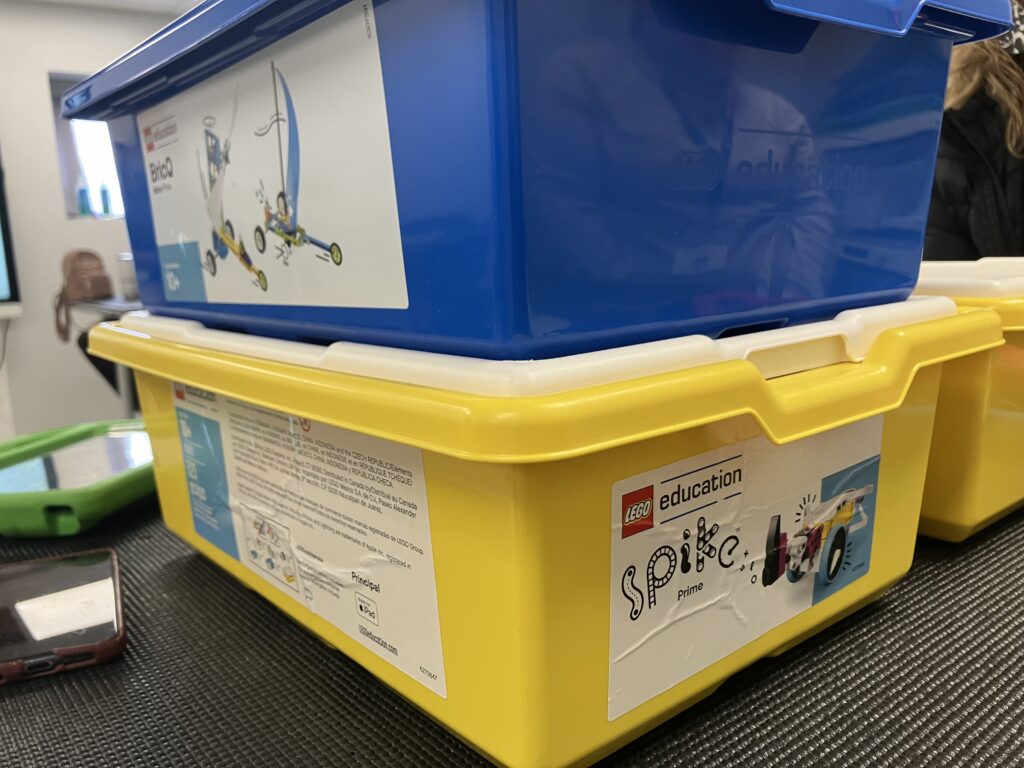
Next, I checked out the lego Spike and BricQ station pictured above. I did not have enough time to dive into this one, but the concept is that students use these kits to build lego creations that can swing, spin, drive, walk, etc. either with of without electricity. I love creating artistic things with lego at home, so I think if I gave this one another chance I’d be confident enough to use it in a technology and/or physics lesson with a future class. I really appreciate that the BricQ set is an “unplugged” activity that still fosters an understanding of physics and some aspects of technology. Over the span of a few weeks, I’d like to try both kits (likely with grade 6 or 7) and then compare the pros and cons of both kits. This could even lead into a social studies lesson about large-scale human use of electricity and its positive and negative consequences.
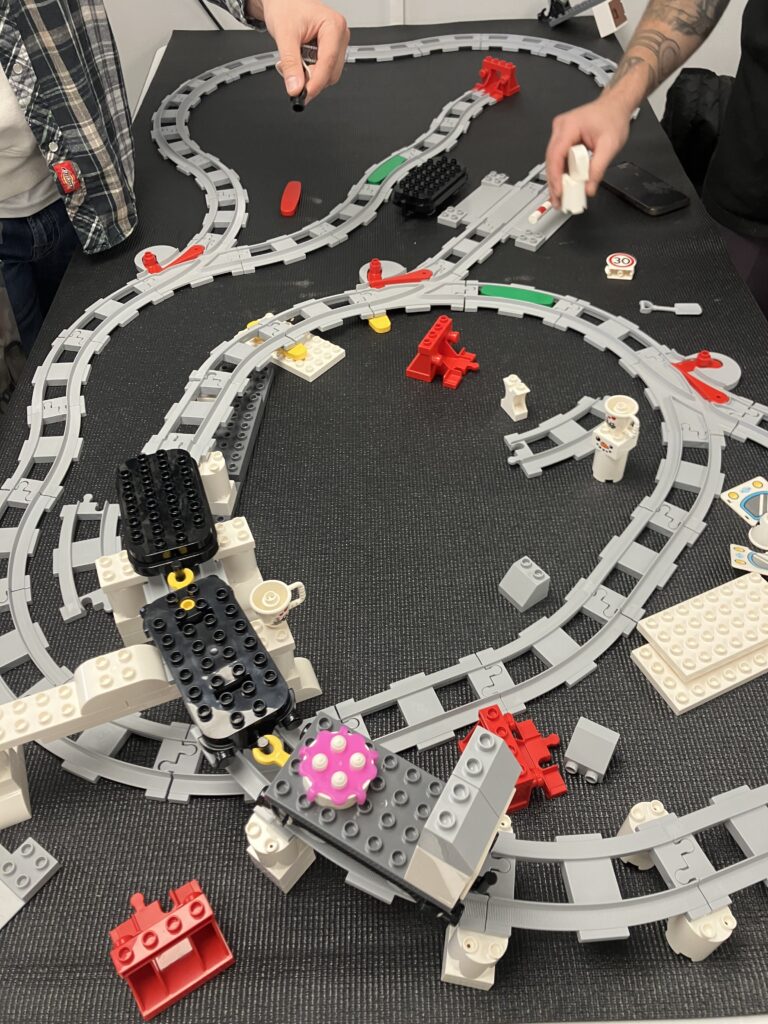
I also visited the lego “train station” and ran out of time to explore it, but I think this one looks like a blast for primary grades. I feel like this lego set could be great for a social studies lesson on city planning and transportation, or to introduce foundational math skills like spatial reasoning and problem solving. Our host explained that he often challenges students to build as many track loops as possible in the space of the table, and that activity would check those boxes while encouraging collaboration in teams.
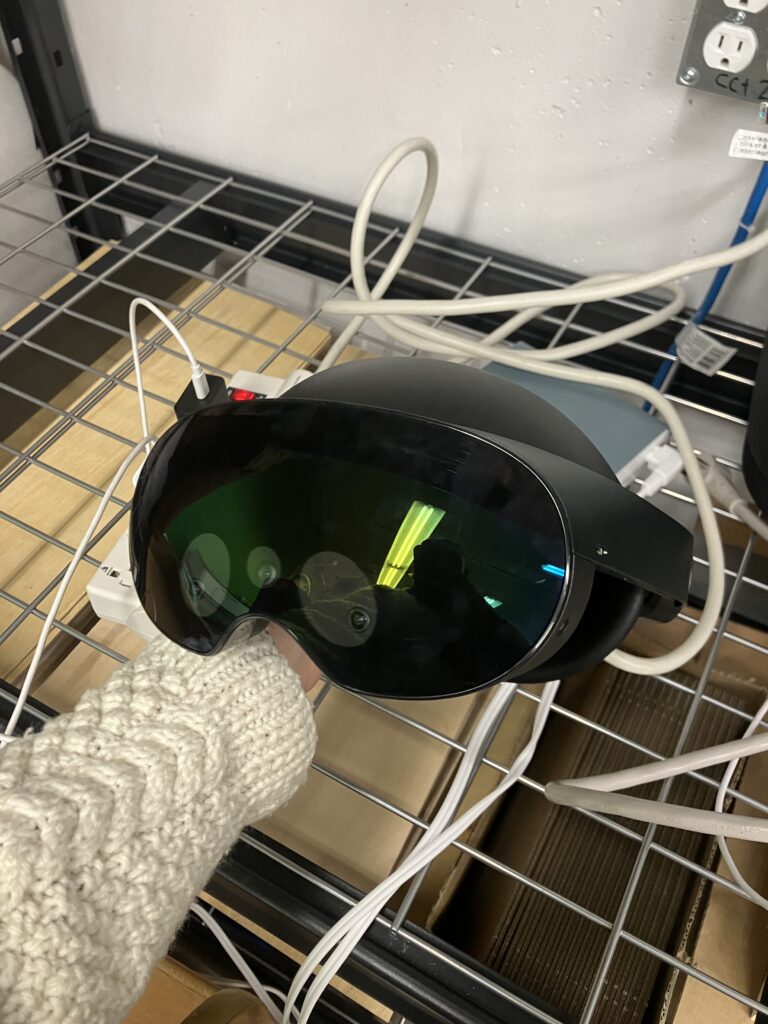
Then, the VR goggles. These were quite interesting! I think I’d only used a VR headset once previously, so it was a bit disorienting for me- I almost walked into a pole. Oops! I played a game where I was in a witches’ castle making potions, and I found it quite confusing. It took me a good while to get a hang of the controls, but I’m sure it would be lots of fun for many students who are more familiar with VR, AR, and video games than I am. I have heard of teachers using VR headsets for virtual field trips with students. Although I usually prefer the idea of taking students outdoors, I think these headsets could be an accessibility and affordability game changer. Since we all have different needs and abilities, some students are left out of field trips because of things like mobility limitations, health issues, or social and emotional needs (anxiety, sensory overload, etc.). And since the sets are already owned by the school district, the cost is much lower that many field trips and can provide students with otherwise impossible experiences- perhaps a field trip to outer space? A journey to the bottom of the ocean? I would be thrilled at a chance to use these field trip ideas for science lessons. Below is a link to a website that offers these VR field trips, just for inspiration and an estimate of cost.
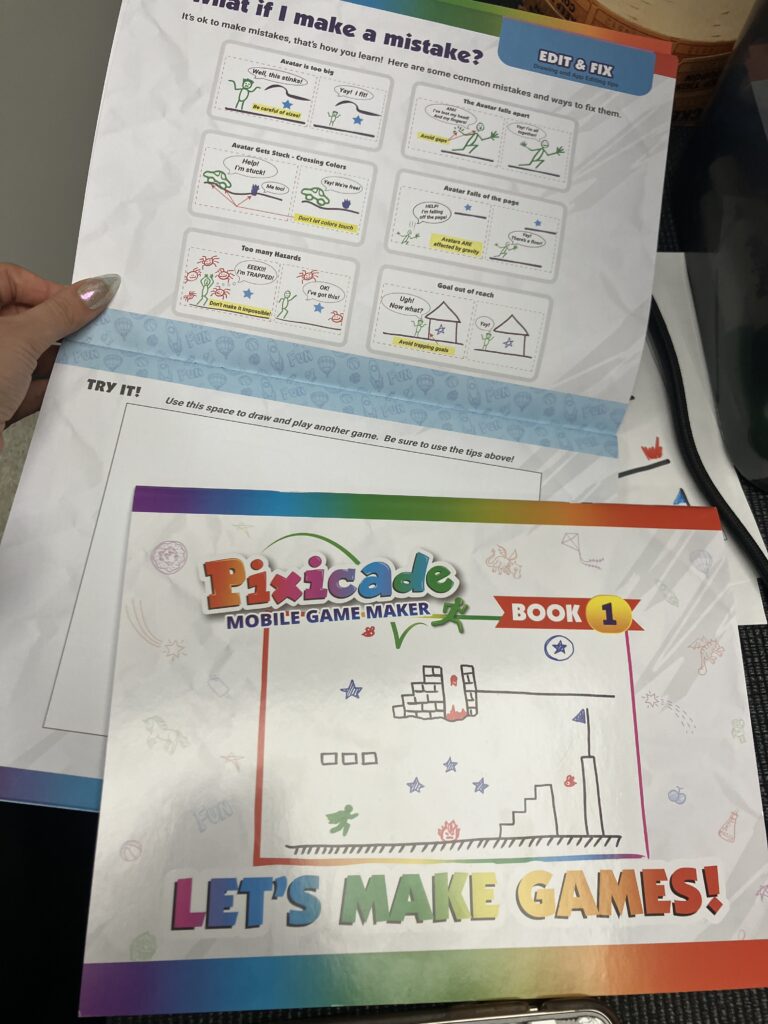
The Pixicade station shown above was completely new to me, I had never heard of anything like this and still can’t believe it works. I would absolutely use this for a cross-curricular art lesson. I think the video game aspect and focus on function over appearance would appeal to many of the students who don’t feel included or confident in art class. It would be a great chance to teach primary students about types of lines and one-dimensional design, while still allowing plenty of room for the artistically inclined students to be creative.
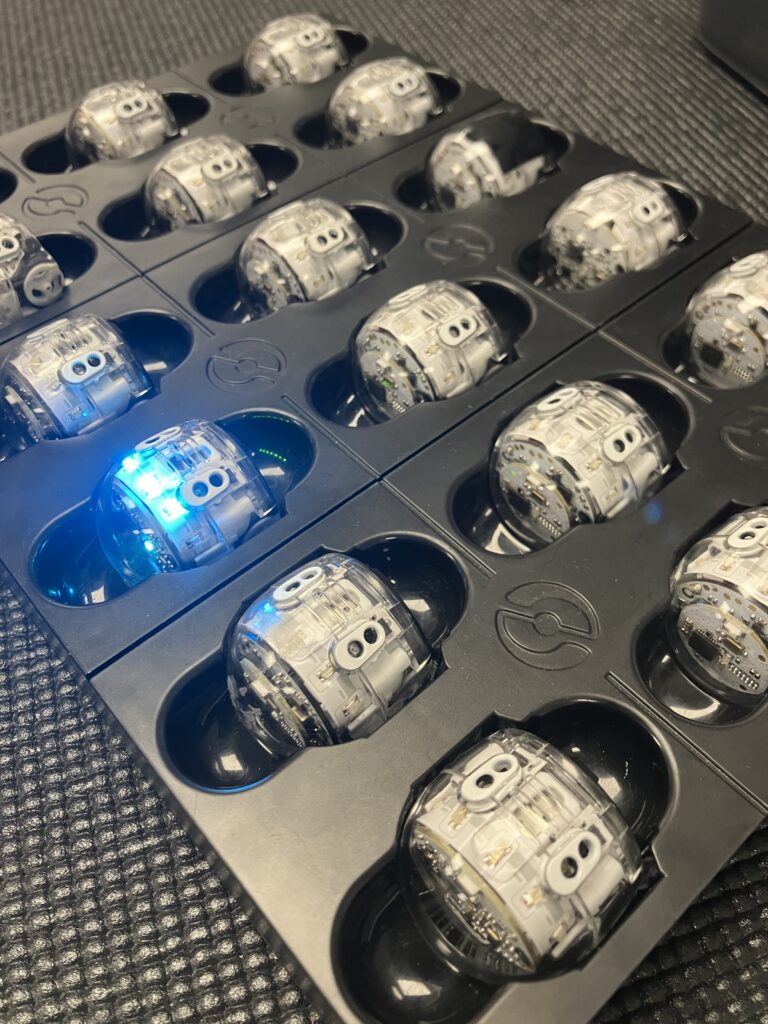
Lastly, I visited the Ozobot station. I ran out of time to investigate these tiny robots, but I did get an explanation of a neat activity students can do with these. Since Ozobots can be programmed to follow specific line colours, students can get them to move in different ways according to lines they draw in front of the bot. For PE class this semester I prepared a warm-up with a game called “line tag” where students run on specific lines on the gym floor. I don’t understand enough about Ozobots yet to have a clear idea of how this would work, but I can imagine a cross-curricular lesson involving these similarities. Below is a link to line tag instructions, it’s a very fun game that I strongly recommend bringing into gym class.
I learned so much from this field trip, and I still have lots of questions about some of the technology being used. But I’m so excited that students have the chance to learn about these amazing new things, and I am looking forward to learning with them.